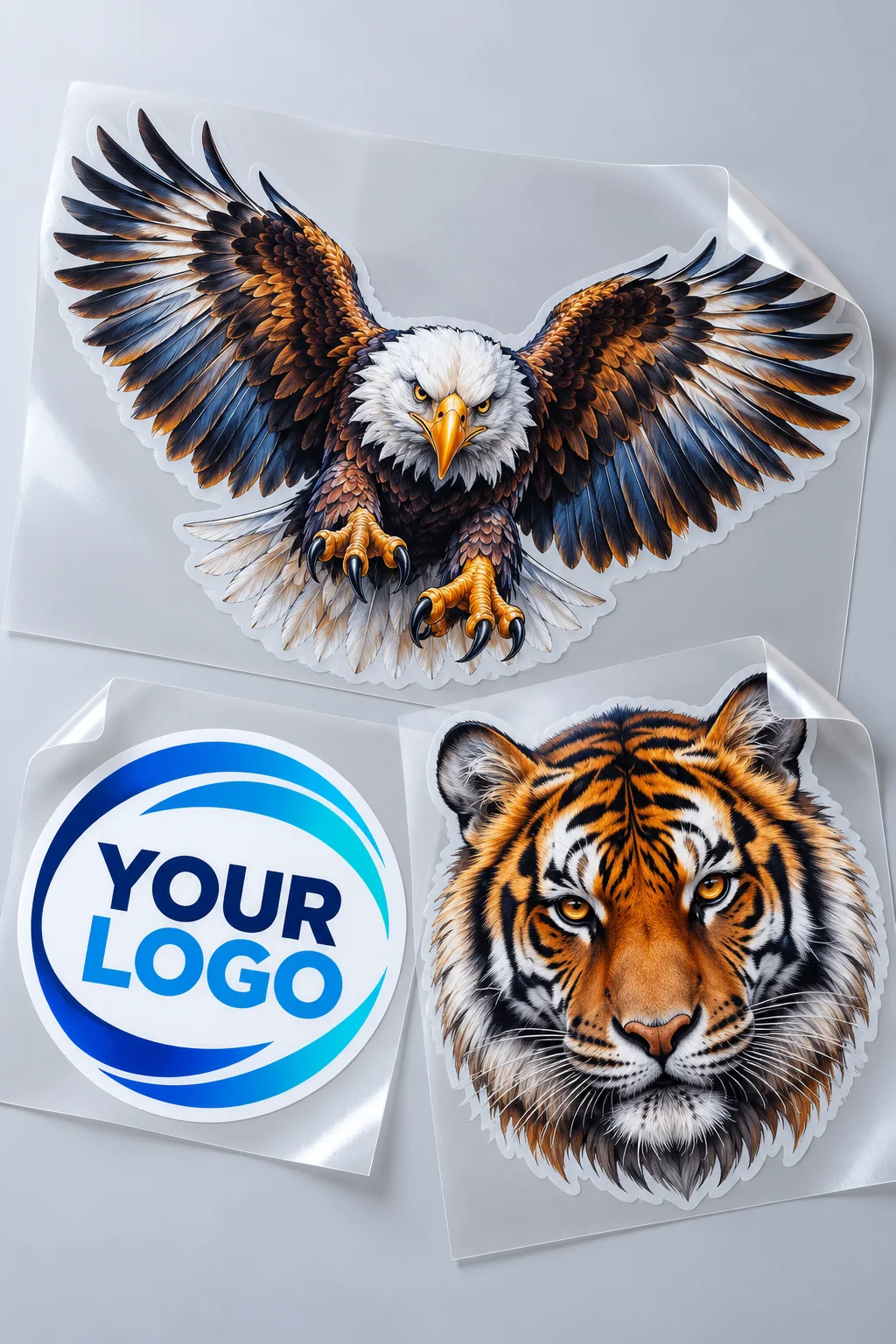
DTF transfers by size
DTF Transfers by Size From $1.46
- Works on cotton, poly & blends
- Vibrant colors & fine detail
- Press 300–320°F · 10–15 sec · peel warm
- No minimums — order from one
Upload your file
Drag it here, or
png, jpeg, jpg, svg or pdf
Tip: a transparent PNG, SVG or PDF gives the cleanest print.
Save up to 50%Buy more and save
Ships in 24 hours or lessPrinted in our own shop
No minimumsOrder from one transfer
SIMPLE FROM UPLOAD TO CART
Order in Three Easy Steps
The configurator guides you through artwork, sizing, quantity, and price.
1. Upload Your Artwork
Upload artwork with a transparent background. PNG is recommended; transparent SVG or PDF artwork may also be accepted.
2. Choose Size and Quantity
Use the visual references to compare common placements, then enter the quantities you need.
3. Review and Add to Cart
Confirm your transfer details and price before continuing to checkout.
SIZE WITH CONFIDENCE
See Where Your Transfer Can Be Used
Compare your artwork on familiar items to understand scale before you order.
Reference only. You are ordering the DTF transfer; garments and accessories are not included.
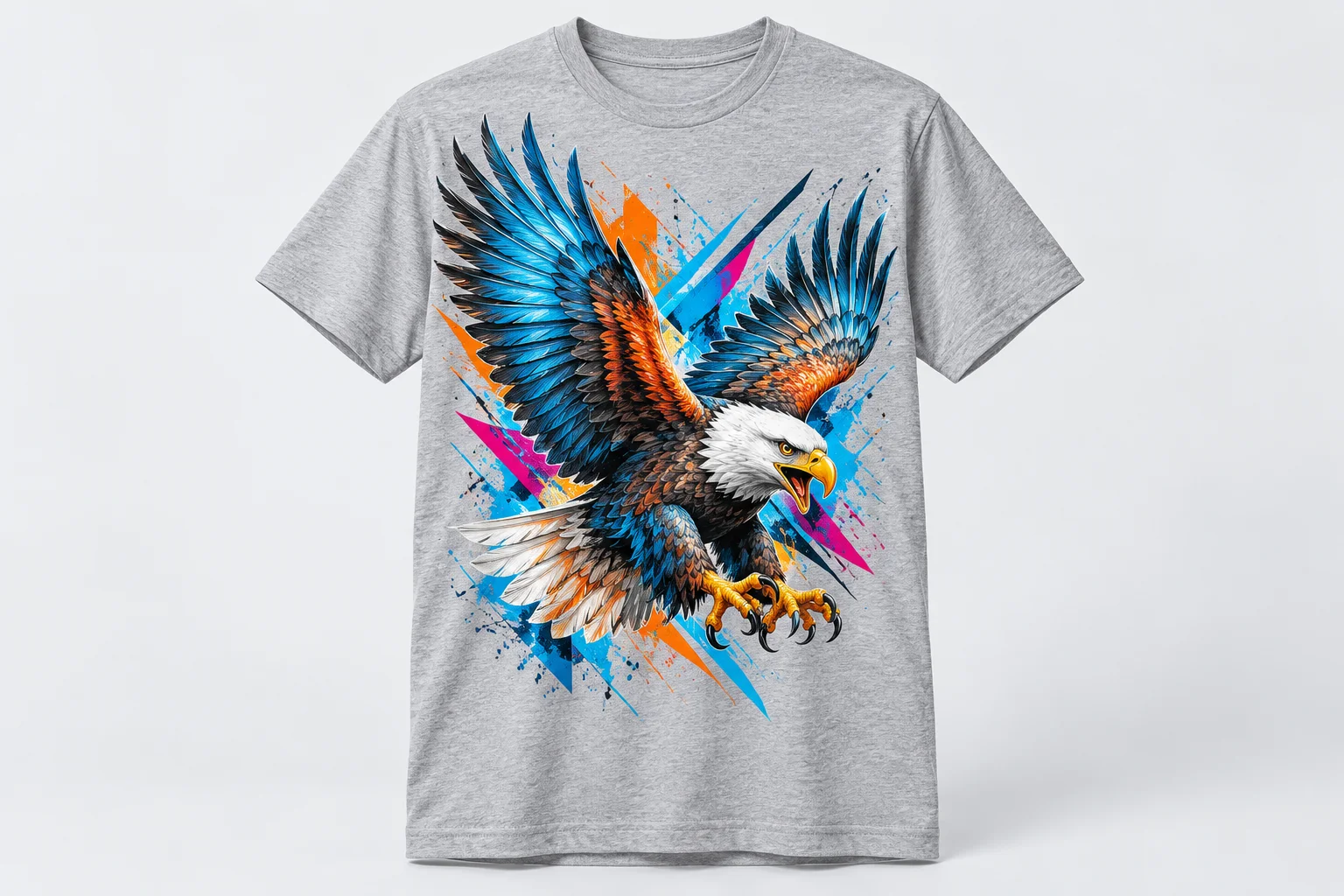
T-Shirt
Full-front artwork on a T-Shirt; compare chest width and garment size.
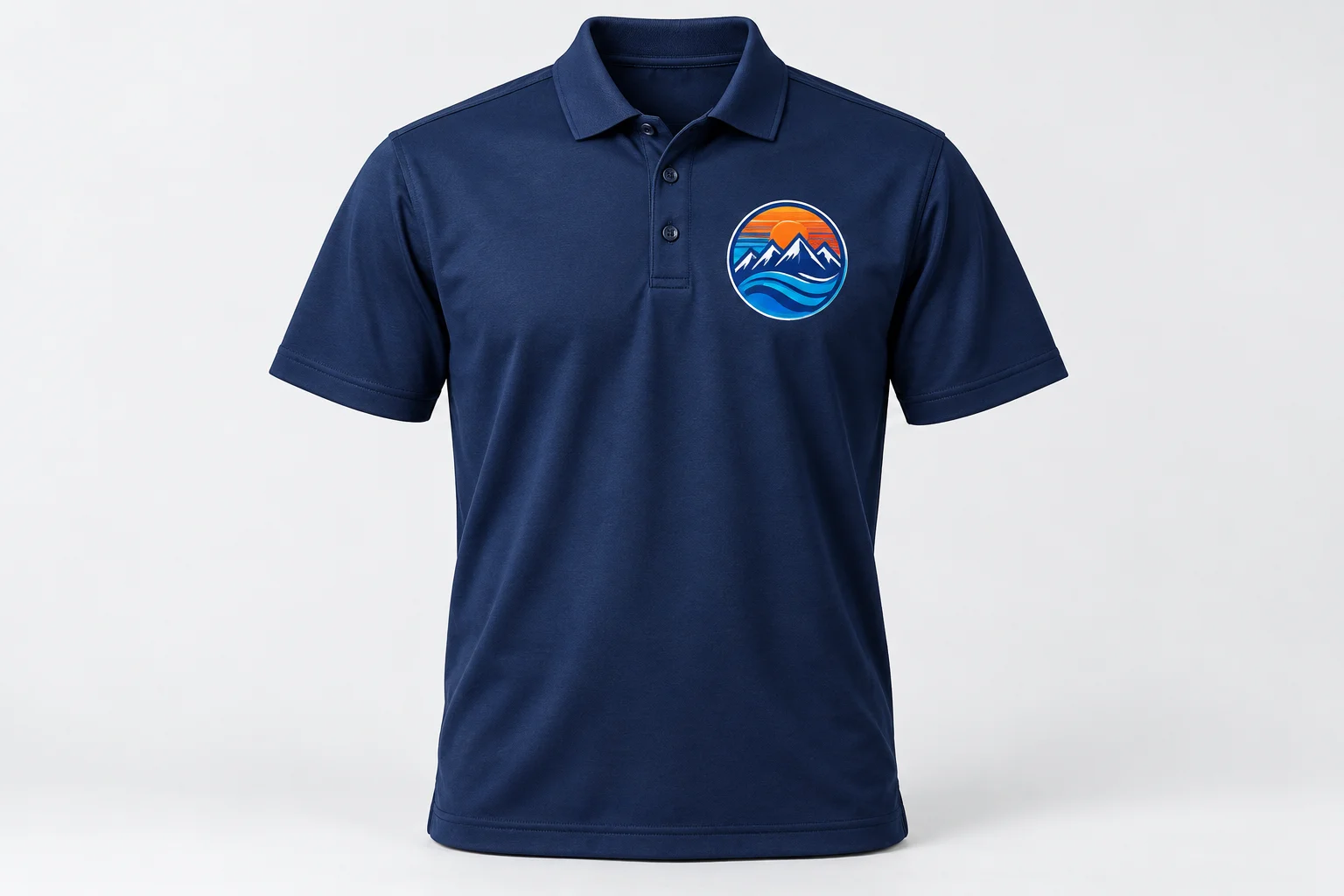
Polo
Left-chest or front artwork on a Polo; compare logo scale to the shirt panel.
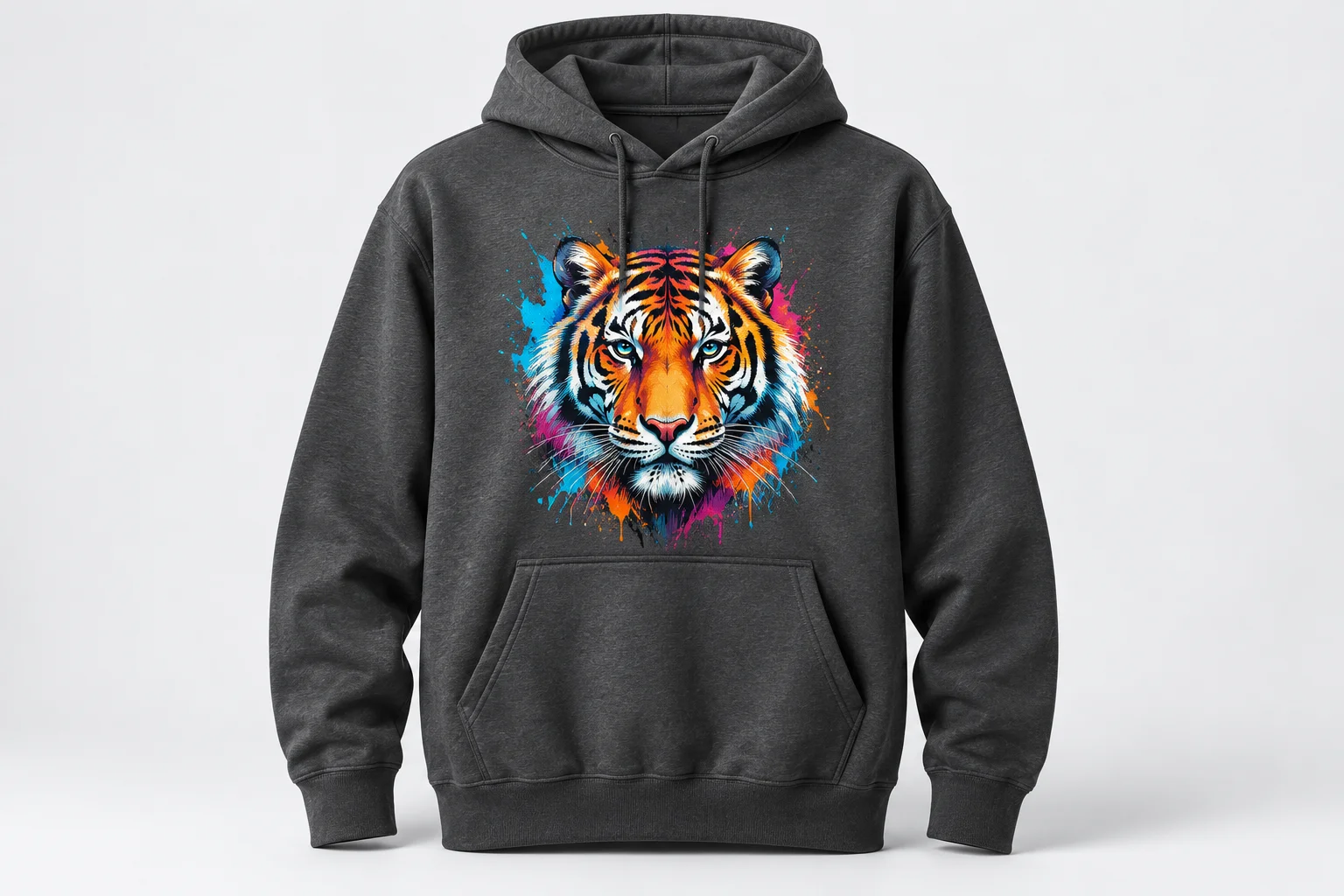
Hoodie
Chest or pocket-area artwork on a Hoodie; compare the print area to the pocket and body.
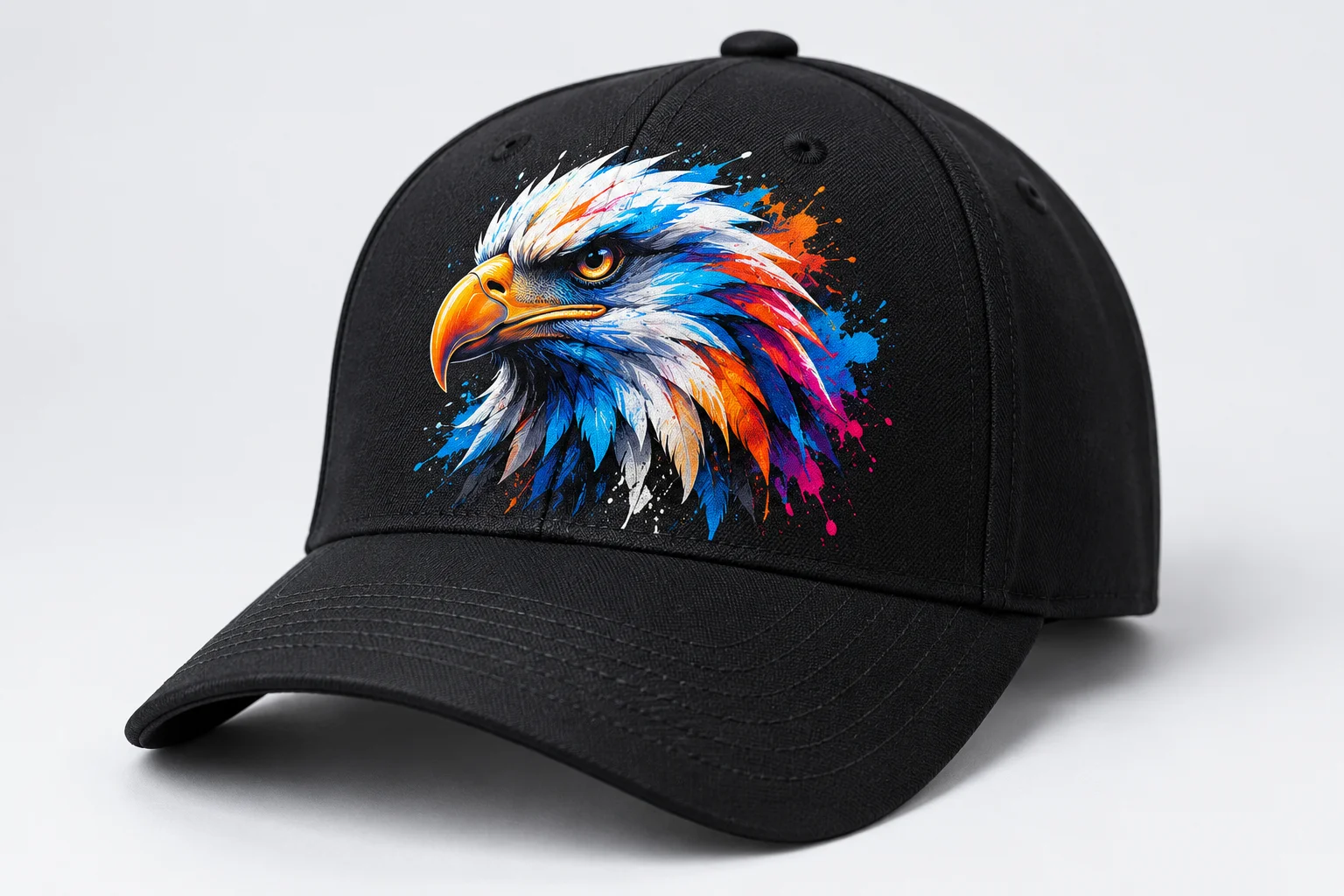
Cap
Front-panel artwork on a Cap; use the available panel area to guide scale.
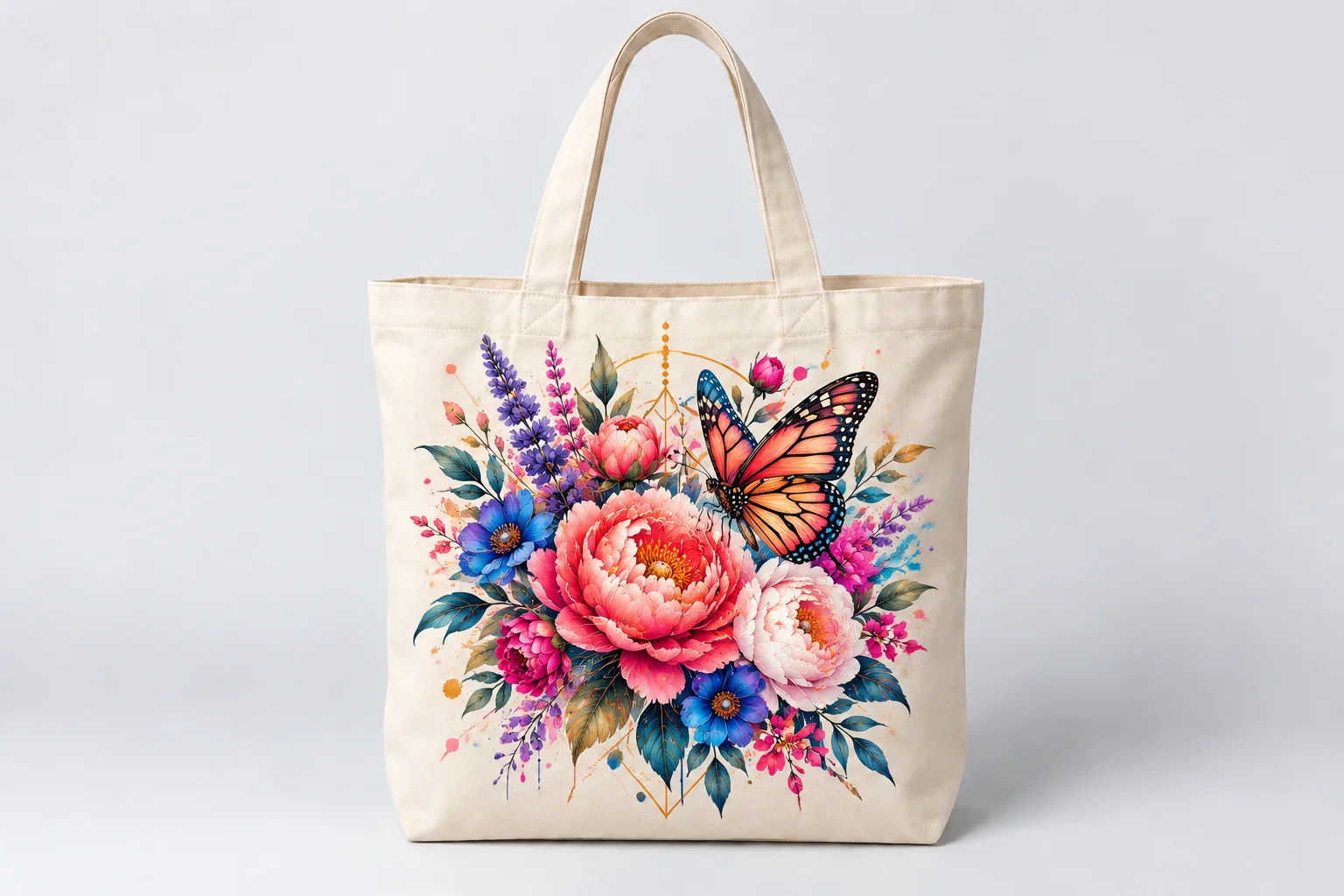
Tote Bag
Front-panel artwork on a Tote Bag; compare the print to the bag face.
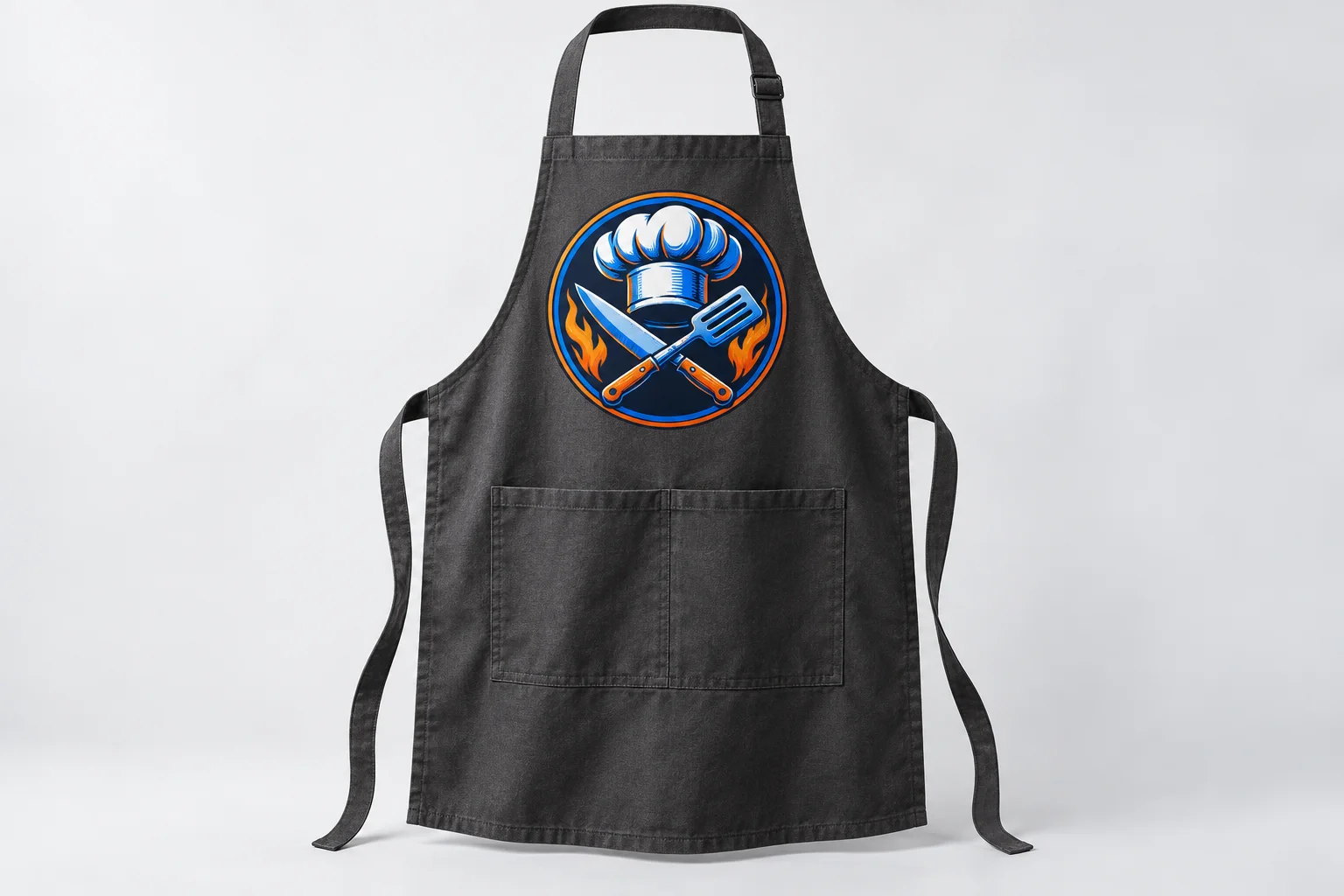
Apron
Chest or lower-front artwork on an Apron; compare the print area to the apron panel.
Sizing Advice
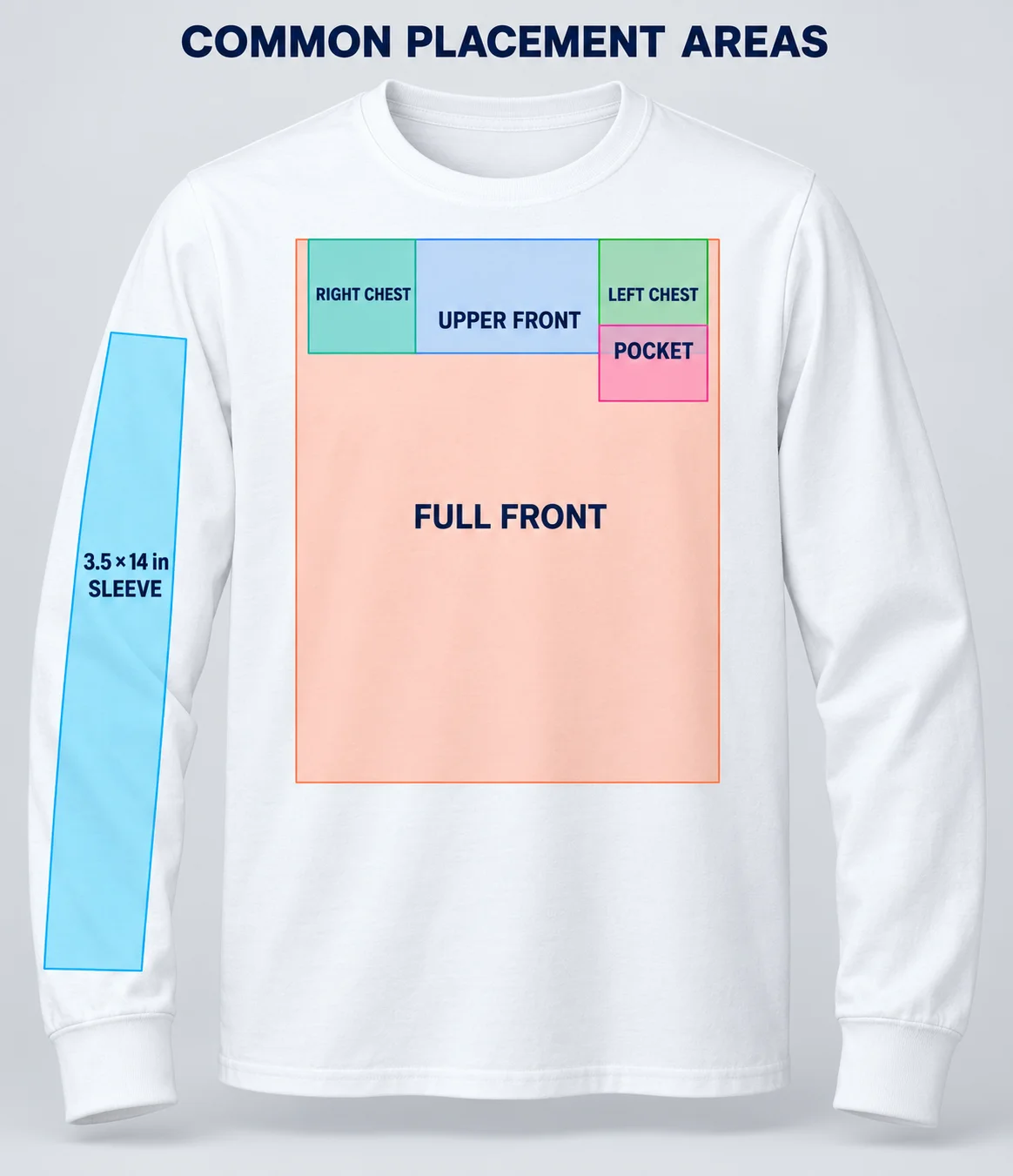
Choose the Right Size Before You Order
Your artwork keeps its proportions while the configurator shows its finished width and height. Use the garment references to compare placement, then select the size that fits your project.
- Artwork stays proportional
- Finished dimensions are shown in inches
- You can adjust each transfer line independently
Reference images are approximate. Always measure the actual item and pressing area before ordering.
WHY ORDER BY SIZE
A Faster Way to Order Individual DTF Transfers
Clear Sizing
See finished dimensions before adding the transfer to your cart.
Flexible Quantities
Order one transfer or build an order with multiple sizes and designs.
Artwork Guidance
The configurator flags important file and resolution issues before checkout.
Built for Application
Receive transfers ready for your heat-press workflow.
Save Time With Pre-Cut Transfers
OPTIONAL CONVENIENCE
On eligible orders of two or more transfers, choose Pre-Cut to receive selected transfers separated and ready to organize for pressing.
There is no fixed price; availability and the current price appear in the configurator.
ARTWORK PREPARATION
Prepare Your Artwork for the Best Result
- Accepted artwork must have a transparent background. PNG is recommended; transparent SVG or PDF artwork may also be accepted.
- Files with solid or photographic backgrounds are not accepted yet.
- Upload the highest-quality version of your artwork.
- Review the finished dimensions and any resolution notice before ordering.
Resolution Check
Use a high-resolution file with clean edges.
Dimensions
Confirm the artwork matches the intended print size.
Background Removal
Check transparency and remove unwanted backgrounds.
Fine Details
Review small text and fine details at final size.
FAQ
Frequently Asked Questions
Are the garments included?
No. The garment and accessory images are visual references only. Your order contains DTF transfers.
What file types can I upload?
For now, upload artwork with a transparent background. PNG is recommended; transparent SVG or PDF artwork may also be accepted. Background removal is not available yet.
Is there a minimum quantity?
You can order from one transfer. Pricing rules or small-order charges, when applicable, are shown in the configurator.
How do I choose a size?
Use the visual references as a starting point, then measure the actual item and pressing area before confirming your transfer dimensions. Learn more →
What is Pre-Cut?
Pre-Cut is optional and eligible only for orders of two or more transfers. There is no fixed price; availability and the current price are shown in the configurator. Learn more →
Can I order different sizes or designs together?
Yes. The configurator lets you manage transfer lines independently before adding the order to your cart. Learn more →
Do you offer same-day shipping?
Yes. Standard orders ship in 24 hours or less. With Same-Day Print Rush ($15 per order, Monday to Thursday), print-ready orders from DTF by Size or Gang Sheet Creator placed by 1:00 PM CT are printed the same day and are ready for pickup by 10 AM the next business day, or shipped that day. Select Same-Day Rush at checkout. Orders placed after the cutoff are printed the next business day.
Ready to Order Your DTF Transfers?
Upload your artwork, compare sizes, and review your price in minutes.
Reference only: garments and accessories are not included.